

Approval Queue
Review, edit, and approve automatically generated social media posts before they go live.
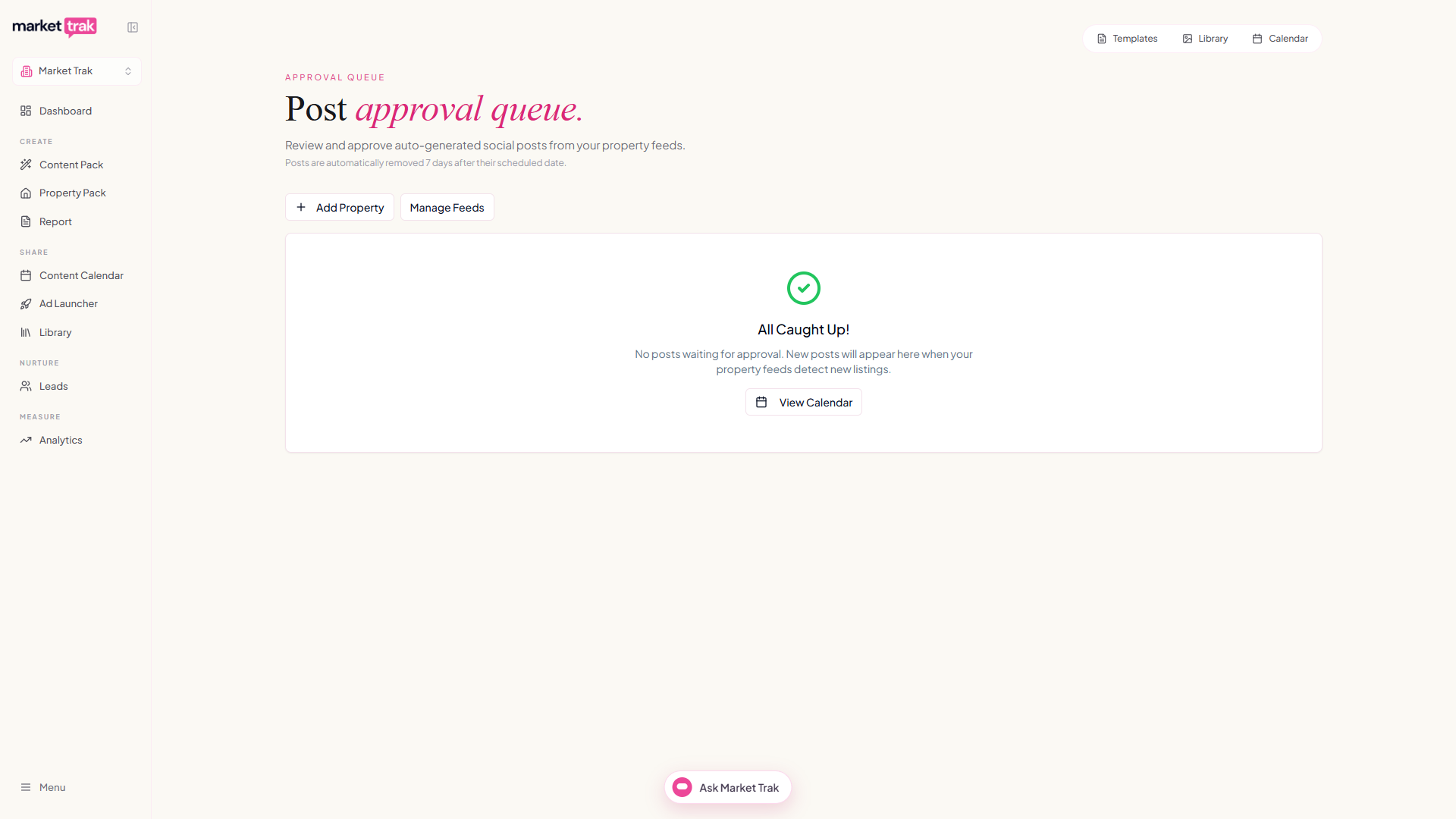
The Approval Queue is where automatically generated posts (from the Property Feed) land before going live. It gives you full control over what gets published on your social media accounts.
Accessing the queue
-
Click Content Calendar in the sidebar
-
Click the Awaiting approval tab, next to Calendar. It shows a count when posts are waiting
Reviewing posts
Each post in the queue shows:
-
The scheduled date and time at the top, in green while it is still upcoming and red once it has passed
-
Which post it is in the set: Post one, Post two or Post three
-
The property photo, taken from the listing itself. Each post about a property gets a different photo where the listing has more than one
-
The caption text
-
The source feed it came from
Actions
Approve
Click Approve to schedule the post for the date and time shown at the top. You choose which platforms (Facebook, Instagram) to schedule it to, and it is added to your content calendar to publish automatically at that time. This is the main action on the card, so it is the pink button on the right.
Publish Now
Click Publish Now to post it to your connected accounts straight away, without waiting for the scheduled time.
Edit the caption and date
Click the pencil at the top of the caption to edit the post. You can change the caption, replace or AI-edit the image, and adjust the scheduled date and time together, then click Save.
Change just the date
If you only want to reschedule, click the date at the top of the card. Pick a new date and time and click Set date. The rest of the post stays as it is. This is the same date picker you use on Content Pack posts, so it behaves identically in both places, including on a phone.
Remove
Click the thumbs-down at the bottom-left of the card to remove the post from the queue. It will not be published. If you change your mind, click Undo on the message that appears; once that message goes, the post does not come back, because the property it was written for has already been through your feed.
Removing several at once works the same way. Tick the posts you want gone, click Remove Selected, and confirm. That confirmation is worth reading: the credits spent generating those posts are not refunded, and any captions you rewrote or images you replaced go with them.
Posts with a date in the past
If a post's scheduled date has already passed, it is flagged in red at the top of the card, but you can still click Approve as normal. The approve dialog tells you the date has passed and the button becomes Update date and approve: the post gets a fresh date starting tomorrow.
In a bulk approval, past-dated posts are spread out from tomorrow at good posting times. Posts whose date has not passed keep it, unless something has since been scheduled too close to it on your calendar, in which case approving shifts it to the next clear time and the dialog tells you before you confirm. A date you picked yourself is never moved. Several different properties can share a day, but the same property never posts twice in one day, so catching up on a large backlog takes a few days rather than a month. Prefer a specific date? Click the date on the card to pick one. And Publish Now always posts it immediately.
Auto-approve
If you prefer hands-off automation, you can enable auto-approve for specific platforms in your Property Feed settings. When auto-approve is on, posts skip the queue entirely and publish (or schedule) automatically.
Caution: Auto-approve means posts go live without your review. Make sure you are happy with the AI output quality before enabling this.
Queue management tips
-
Check the queue at least once a day when you have an active Property Feed
-
Posts are most effective when published within a few days of the listing going live
-
If your queue is building up, consider enabling auto-approve for one platform to reduce the backlog
-
Edit captions to add your personal touch, a brief local insight makes a big difference