

AI Assistant Overview
Meet your AI-powered marketing assistant: it creates content, drafts emails, queries your CRM, and answers any question about using Market Trak.
The AI Assistant is your personal marketing partner and product guide inside Market Trak. It understands your workspace, knows your leads and reports, creates content, drafts emails, and queries your CRM. And whenever you are unsure how something in Market Trak works, just ask: it answers from this help centre, using your own account's real links and settings.
Accessing the assistant
The assistant is available everywhere in the app, whatever page you are on:
- On desktop, click the Ask Market Trak pill at the bottom centre of the screen. The assistant slides up over your page, and everything behind it stays clickable, so you can keep working while you chat. Use Full view in its header if you prefer the full-page experience.
- On mobile, tap the round pink button in the middle of the bottom bar. The assistant opens over your current page and the chevron in its header takes you straight back.
Your conversation is never lost: close the assistant, move between pages, and reopen it, and you are exactly where you left off. If you ask for something that takes a moment (like a report), you can close it and carry on; the pink button pulses while the assistant works and shows a dot when your answer is ready.
Note: The AI Assistant is available on plans that include AI features. On the free plan, opening it shows your upgrade options instead.
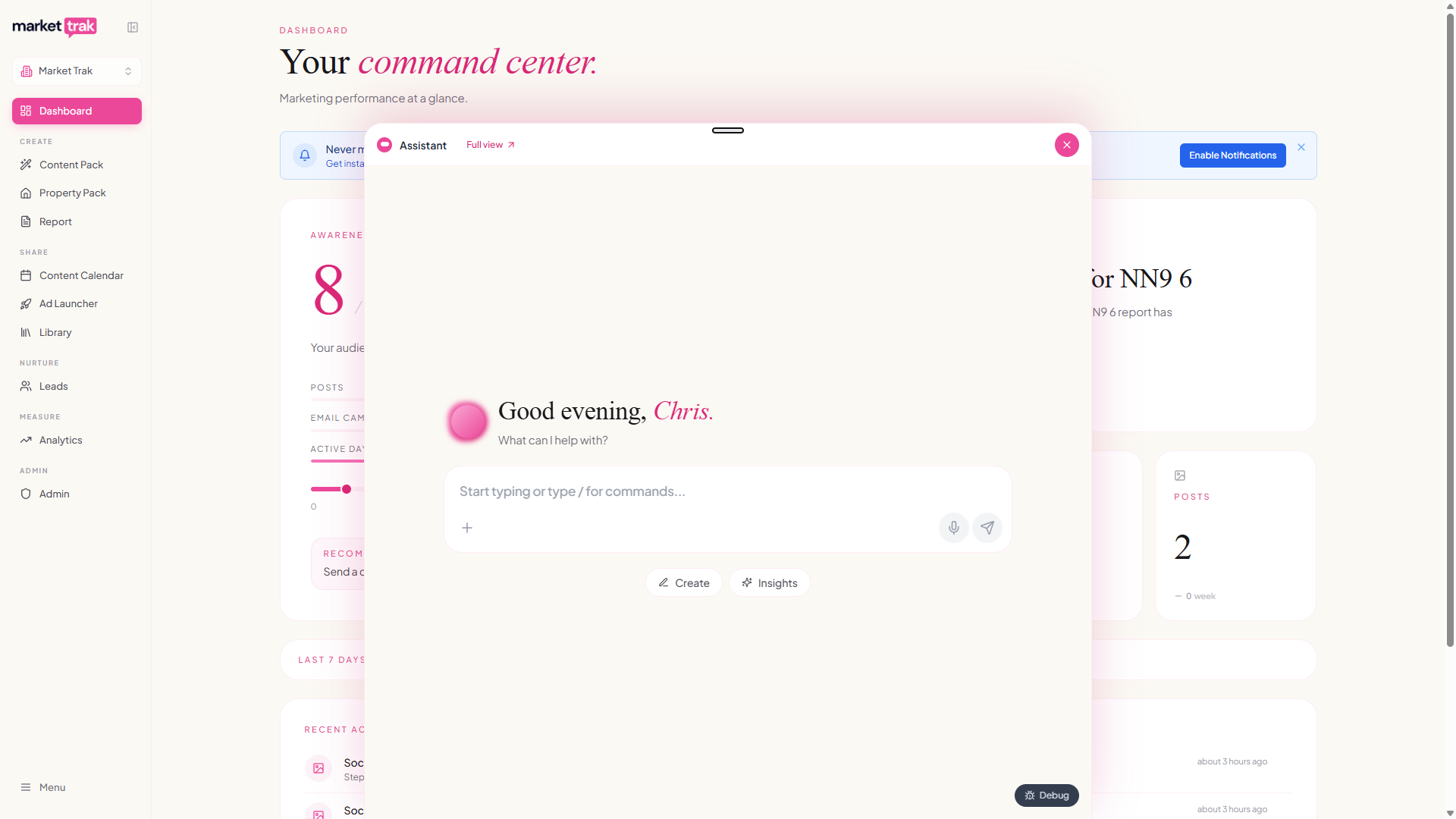
What the assistant can do
Get help with anything in Market Trak
The assistant doubles as your support guide. Ask how to do anything in the app and it answers from this help centre, with a link to the full guide at the end of every answer. When a question touches your own setup, the answer includes your actual details: ask about your instant valuation link or your Bio Link and you get your real address, ready to copy, plus a link to the page in the app where the setting lives.
Examples:
- "How do I connect my property feed?"
- "Where do I change my logo?"
- "What is my Bio Link?"
- "How do credits work?"
- "How do I embed the valuation form on my website?"
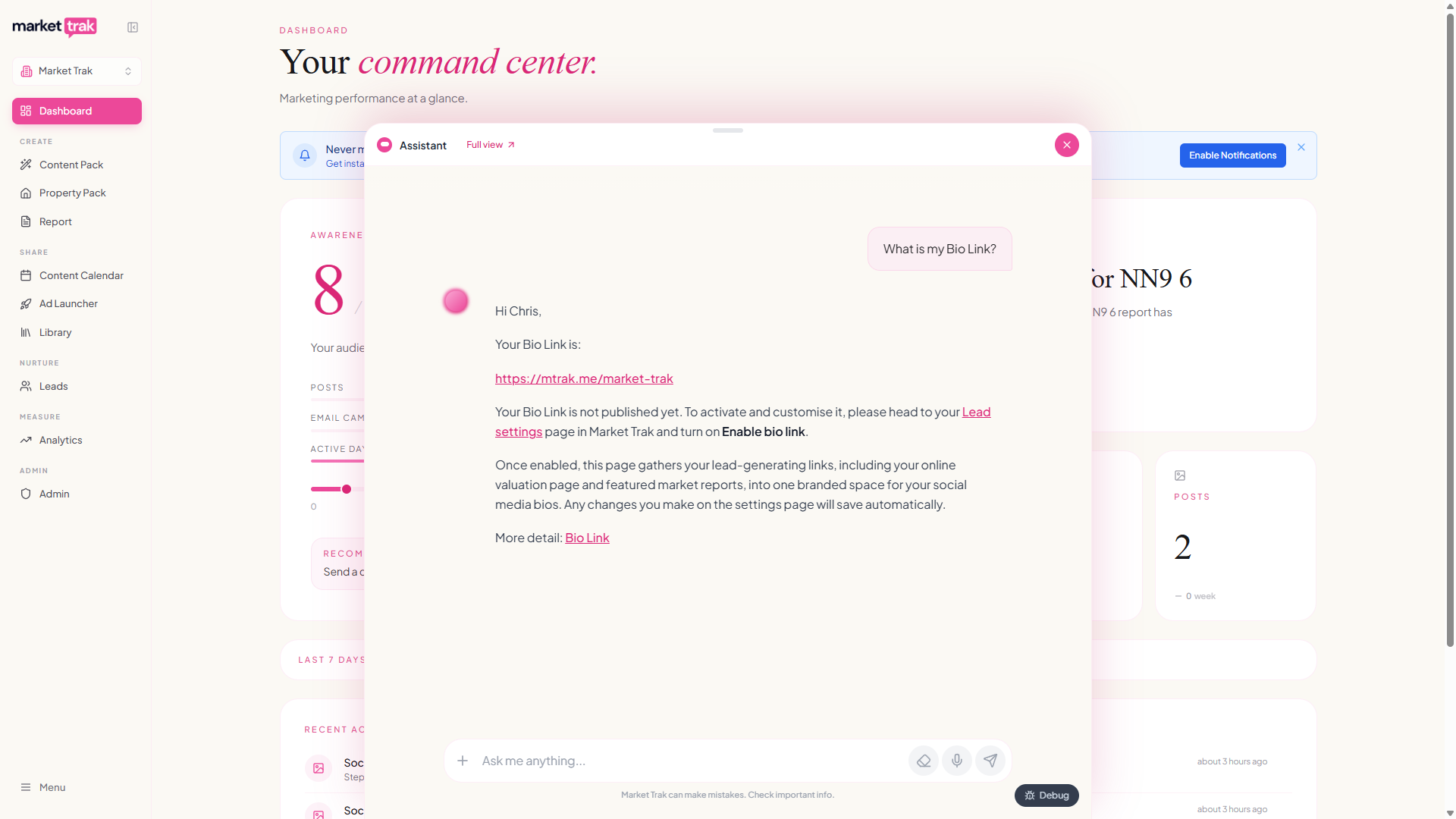
The assistant only answers product questions from these help pages. If the help centre doesn't cover something, it will say so rather than guess, and offer to put you through to our support team so a real person can help.
Create social media posts
Ask the assistant to create a post about a location or property, and it will guide you through choosing a style, writing the caption, and generating an image, all within the chat.
Examples:
-
"Create a post about the Didsbury property market"
-
"Make a social post for 72 Granville Street"
Draft and send emails
The assistant can write email campaigns for your leads. It drafts the subject and body, shows you a preview, and waits for your approval before sending.
Examples:
-
"Write an email campaign for my leads about the latest market data"
-
"Send the report to all leads in London"
Query your CRM
If you have a CRM connected (Loop or Street), you can search properties, buyers, sellers, and more directly from the chat.
Examples:
-
"Show me properties for sale in Chorlton"
-
"Find buyers with a budget over £500,000"
-
"What sold recently in CM1?"
Look up market data
The assistant can fetch live property data for any UK location.
Examples:
-
"What's the average house price in Didsbury?"
-
"How long do properties take to sell in Southend?"
Generate canvassing letters
Ask the assistant to write a personalised canvassing letter for a specific street or area, ready to print and deliver.
Ask about your own account
The assistant knows your workspace's own numbers and looks them up live:
-
"How many reports do I have?"
-
"What's my credit balance?"
-
"How many leads came in this week?"
Voice input
Click the microphone icon in the chat input to dictate your message using speech-to-text. This uses your browser's built-in Web Speech API, so no additional setup is needed.
Chat history
Your conversations are saved automatically and sync across devices. When you come back to the assistant, your previous conversation is right where you left it.
To start fresh, tap the eraser icon in the message box, then confirm with Clear chat.
Chat memory indicator
A small circular progress ring appears below the chat input showing how full your conversation memory is. As you chat, the ring fills up and changes colour:
-
Violet - plenty of room
-
Amber - getting full
-
Red - almost full or full
When memory is running low, you will see a prompt suggesting you clear the chat. Starting a fresh conversation helps the assistant stay accurate and responsive.
Credits
Using the AI Assistant consumes credits from your workspace balance. Different actions have different costs:
-
General chatting with the assistant is currently free
-
Other assistant interactions like generating images, reports or valuations consume credits: costs vary based on the action
See How Credits Work for the full breakdown.
Next steps
-
Creating Content for detailed content workflows
-
Slash Commands for quick shortcuts
-
Memory and Instructions to personalise the assistant